
BenQ has added a new monitor to its Mac focused MA Series, and this one is aimed squarely at video editors and motion designers who have been waiting for something between the flagship MA270S and the more affordable MA320U. The BenQ MA320UG brings a 32 inch 4K panel running at a genuinely useful 120Hz, and it lands in India at a launch price of Rs 84,998.
If you have used a Mac alongside a regular Windows monitor, you already know the problem this thing is solving. Colours shift, refresh rate drops to 60Hz, and the whole setup feels like a compromise. BenQ has been chasing that gap with the MA Series for a while now, and the MA320UG is its answer for creators who need both screen real estate and smooth motion.
Table of contents
What Makes The MA320UG Different
The headline feature here is the 120Hz refresh rate with ProMotion support, paired with a 32 inch 4K UHD panel. That combination matters more than it sounds on paper. Scrubbing through a video timeline, previewing motion graphics, or just dragging windows around on macOS feels noticeably smoother than on the older 60Hz MA320U.
BenQ has also fitted this with a Nano Gloss panel, which is a step up from the matte finish on the standard MA320U. It is designed to deliver deeper blacks and richer contrast while still managing reflections reasonably well, something that matters if your desk sits near a window.
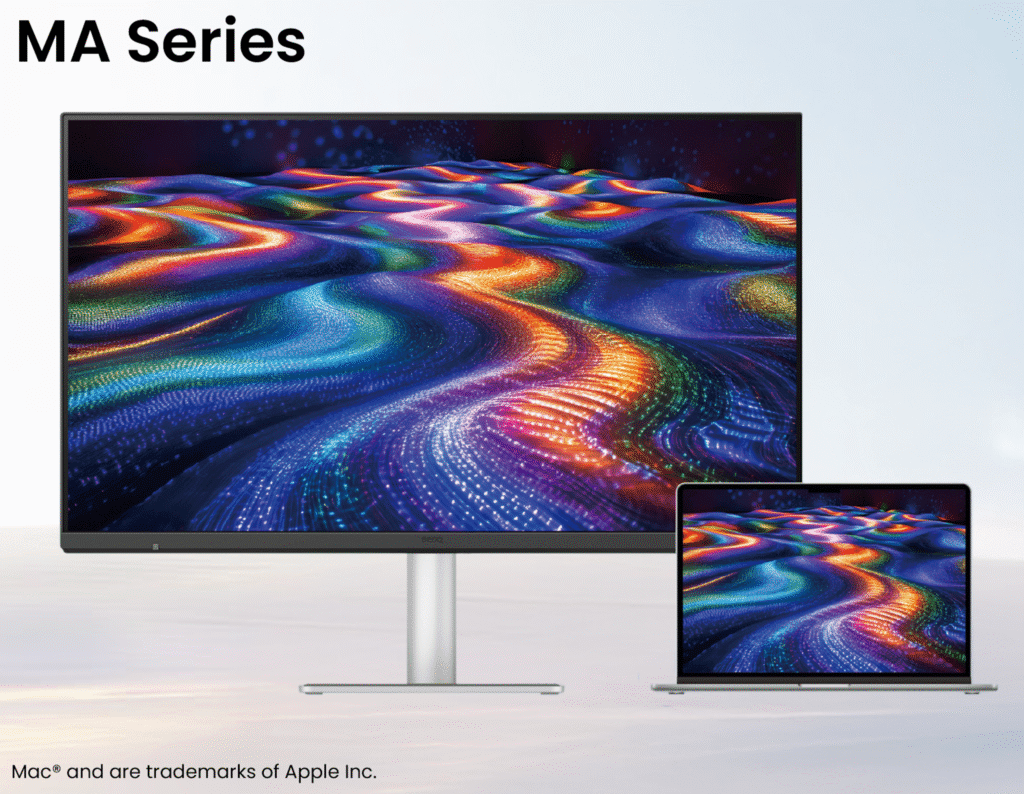
Colour accuracy is handled through 98% P3 colour coverage and a 2000:1 contrast ratio, and BenQ’s pitch is that the MA320UG is tuned specifically to match how a MacBook screen renders colour, rather than being calibrated to a generic standard. For anyone doing colour grading or photo editing across two screens, that consistency is the entire point of buying a Mac specific monitor instead of a regular 4K display.
Connectivity And The Smart KVM Feature
This is where the MA320UG earns its higher price over the standard MA320U. It comes with dual Thunderbolt 4 ports, one offering 96W of power delivery and the other 15W, so you can charge a MacBook and a phone or iPad off the same display without separate chargers cluttering your desk.
It also supports daisy chaining, meaning you can run two 4K displays off a single Thunderbolt connection without losing that 120Hz smoothness on either screen. That is a meaningful upgrade for anyone running a dual monitor editing setup.
The Smart KVM feature lets you control two connected systems, say a MacBook and a secondary Windows machine, using a single keyboard and mouse, and it includes cross device copy paste for text, images, and files. If you regularly move assets between a Mac and a PC, this alone could justify the upgrade.
Specifications At A Glance
| Specification | BenQ MA320UG |
|---|---|
| Display size | 32 inch |
| Resolution | 4K UHD (3840 x 2160) |
| Refresh rate | 120Hz, ProMotion supported |
| Panel type | Nano Gloss |
| Colour coverage | 98% P3 |
| Contrast ratio | 2000:1 |
| Connectivity | Dual Thunderbolt 4 (96W and 15W), daisy chain support |
| Special features | Smart KVM, cross device copy paste, Display Pilot 2 software |
| Stand | 150mm height adjustable ergonomic stand |
| Price in India | Rs 84,998 |
| Availability | Available now |
How It Compares To The MA270S
BenQ now has two flagship style options in the MA Series for Indian buyers. The MA270S is the 5K flagship for creators who want maximum pixel density on a smaller 27 inch screen, while the MA320UG trades resolution for a bigger 32 inch canvas and that 120Hz refresh rate. If you edit primarily in tight, detail heavy work like photo retouching, the MA270S still makes a strong case. If your work is video, motion graphics, or anything where smooth scrubbing and screen real estate matter more than absolute pixel density, the MA320UG is the better fit.
Price And Availability In India
The BenQ MA320UG is priced at Rs 84,998 and is available now through BenQ’s authorized retail partners, leading electronics stores, and online platforms in India.
Should You Buy It
The MA320UG sits in a slightly odd spot. It costs more than the standard MA320U but does not quite reach the resolution of the MA270S. What you are paying for is the 120Hz refresh rate, the Nano Gloss panel, and the dual Thunderbolt 4 KVM setup.
For video editors and motion designers working primarily on a MacBook Pro, that combination is genuinely useful day to day in a way that spec sheets do not always capture. For someone doing mostly document work or browsing, it is overkill, and the standard MA320U or even the MA270UP would save you money without much real world loss.