
Air India EasyRoam eSIM, powered by Tata Communications, offers international roaming in 30 countries, with packs starting at ₹241 excluding taxes. Travellers can install the eSIM before leaving India and connect to a local network after arrival. The service was launched on 8 October 2026.
Table of contents
Air India EasyRoam: Key Features
| Feature | Details |
|---|---|
| Service partner | Tata Communications |
| Current coverage | 30 countries |
| Starting pack price | ₹241, excluding taxes |
| Plan types | Data-only or voice + data |
| Setup | Online purchase, eKYC and emailed QR code |
| Phone requirement | eSIM support and network-unlocked device |
EasyRoam Price and Complimentary Data

The introductory offer waives the eSIM charge, but the selected roaming pack is paid. The ₹241 starting price excludes taxes, and the amount, data allowance and validity depend on the destination and pack.
Eligible data-plan purchases can receive up to 1GB of additional complimentary data. This offer excludes Maldives and Mauritius. The bonus is plan-dependent, so it should not be treated as a guaranteed 1GB with every purchase.
Which Countries Are Covered?
The 30-country coverage includes the US, UK, UAE, Singapore, Canada, Australia, Thailand, Japan and Germany, among other destinations. Expansion to as many as 190 countries is planned; that is not the current coverage.
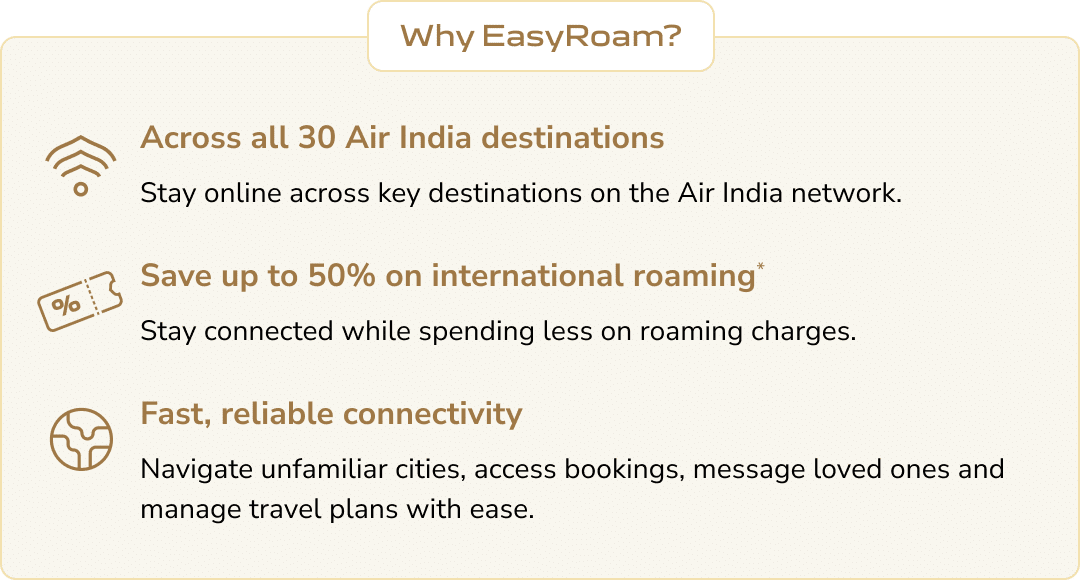
Choose a single-country, regional or global plan according to the itinerary. A multi-country pack works only in its listed destinations. Check transit stops too. Advertised roaming savings vary with the destination, chosen pack and the regular roaming tariff being compared.
How to Set Up the EasyRoam eSIM
- Open the Air India EasyRoam page and choose the destination and plan.
- Select the activation date, sign in or register, and complete the purchase.
- Use the link in the confirmation email to complete eKYC verification.
- Use the QR code sent by email to install and activate the eSIM on a compatible phone.
- After arrival, switch to EasyRoam and connect to the local network.
Finish the setup before departure rather than leaving it for the arrival airport. Usage notifications help track consumption, and the service offers 24×7 customer support.
Phone Compatibility and App Support
The phone must support eSIM and be network-unlocked. Check the exact model and regional variant before buying. A handset locked to another mobile operator may reject the EasyRoam profile.
WhatsApp, maps, email and other internet apps can use the active data pack. Installing the eSIM does not automatically change the number registered to WhatsApp. For regular calls or SMS, check the selected plan’s inclusions rather than assuming a data-only pack covers them.
For another travel-tech feature, read about Air India’s Apple AirTag baggage-tracking support.