
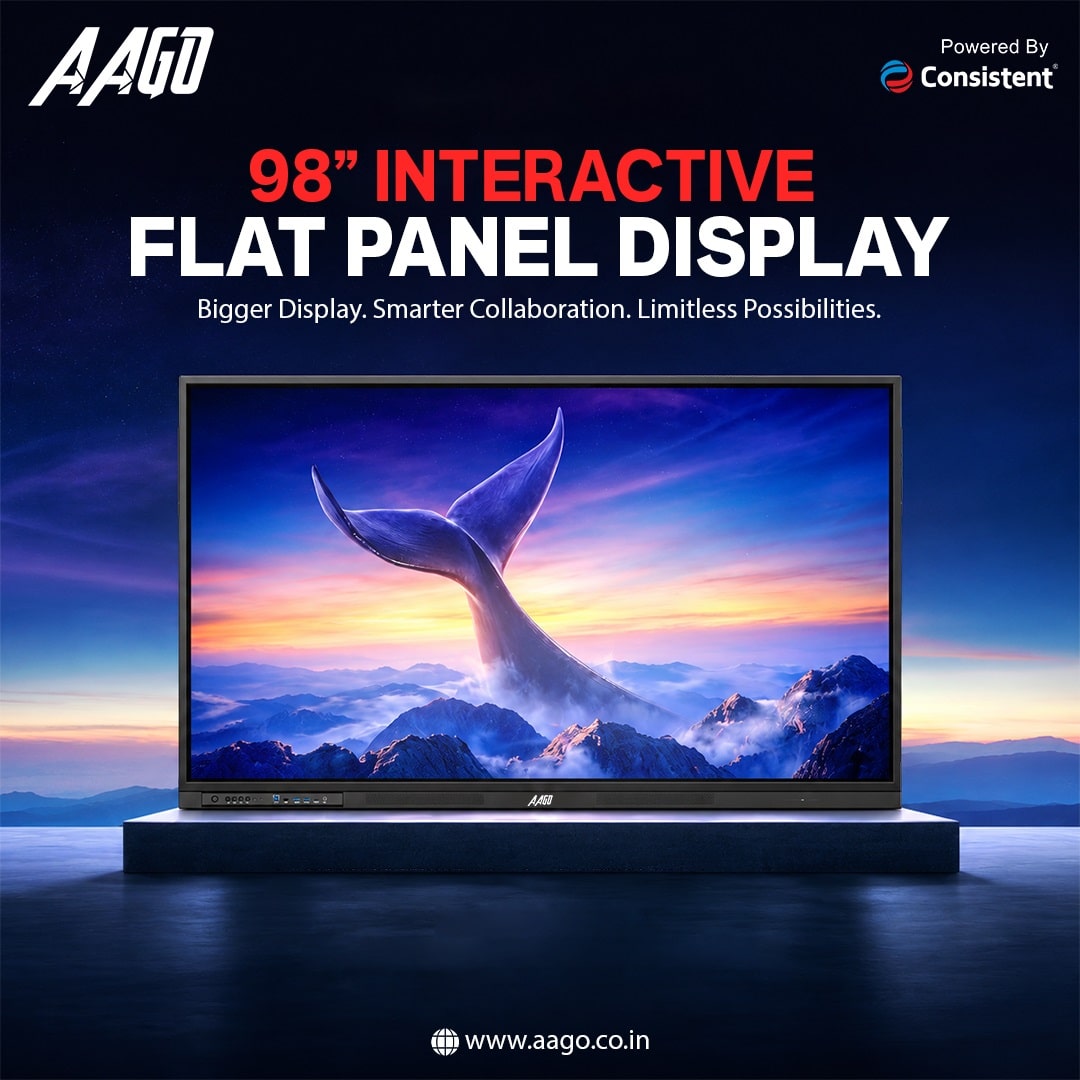
A 98-inch display is impressive, but size alone does not make a classroom or meeting room smarter. The new AAGO 98-inch 4K UHD Interactive Flat Panel combines a large touchscreen, Android 14, a 48MP camera and eight microphones at a special India price of ₹3,12,110. Its real promise is bringing presentation, writing and video-call hardware into one place.
Consistent Infosystems announced the panel on 16 November 2026 under its AAGO display brand. It targets large classrooms, boardrooms, conference rooms and lecture halls. Here is what the specifications mean in practice, where the product could fit, and which details buyers still need to confirm.
Table of contents
- AAGO 98-inch interactive display price in India
- 98-inch 4K screen: size, brightness and touch
- AAGO AGIV9801AA specifications at a glance
- 48MP camera, eight microphones and built-in speakers
- Android 14, processor and everyday software
- AiGo AI and device management: what is confirmed?
- Connectivity, installation and room planning
- 98 inches versus smaller AAGO panels
- What to confirm before ordering
- Who should consider the AAGO 98-inch panel?
AAGO 98-inch interactive display price in India
The AAGO ADPM 98-inch AGIV9801AA has an announced special price of ₹3,12,110, against an MRP of ₹6,24,220. The special price is exactly half the stated MRP. Availability is through Consistent Infosystems’ channel partners across India and the official online store, which also lists ₹3,12,110.
For an institution, the important number is the final installed cost, not just the screen price. Ask for a written quote covering the exact RAM and storage, GST treatment, delivery, unloading, mounting, installation, training and any software subscriptions. Do not assume that a stand or wall bracket shown in promotional material is included.
The available memory options are 8GB or 16GB RAM and 128GB or 256GB storage. A specific memory configuration has not been tied clearly to the advertised price. Buyers should confirm that detail before comparing dealer quotations.
98-inch 4K screen: size, brightness and touch
The panel combines a 98-inch 4K UHD display with a rated brightness of 450 nits. Its obvious use is presenting lessons, spreadsheets, diagrams and shared documents to a room rather than to one person sitting at a desk. The large screen is useful only when the content itself remains readable from the last row.
AAGO lists zero-bonding panel technology and 9H toughened glass. These are construction specifications, not proof that the screen is glare-free or unbreakable. In a demonstration, check reflections with the room lights on, visibility from side seats and how closely the writing appears to follow the pen or finger.
The display supports 40-point multi-touch. That means it can register multiple contact points, not that 40 people can comfortably work around it together. The practical benefit is collaborative writing, annotation and manipulation of on-screen material, provided the chosen application supports those interactions.
The stated screen life is up to 60,000 hours. Treat this as a manufacturer lifespan claim, not a warranty duration or a promise that brightness will remain unchanged throughout that period. Refresh rate, measured touch latency, colour accuracy and detailed panel-test conditions have not been specified here.
AAGO AGIV9801AA specifications at a glance
| Feature | Specification |
|---|---|
| Model | AAGO ADPM AGIV9801AA |
| Display | 98-inch 4K UHD; 450 nits |
| Touch | 40-point multi-touch |
| Panel construction | Zero-bonding technology; 9H toughened glass |
| Camera and microphones | 48MP camera; 8-microphone array |
| Audio | 2 × 20W + 20W, as specified |
| Processor and OS | Octa-core; Android 14.0 |
| Memory options | 8GB/16GB RAM; 128GB/256GB storage |
| Listed connections | Type-C; HDMI OUT |
| Software labels | AiGo-powered AI; Data Management System |
| Claimed screen life | Up to 60,000 hours |
| Special price / MRP | ₹3,12,110 / ₹6,24,220 |
48MP camera, eight microphones and built-in speakers
A built-in 48MP camera and eight-microphone array are the main reasons this is more than a big touchscreen. They bring the basic capture hardware into the panel, potentially reducing the number of separate devices needed for hybrid lessons and meetings.
Camera resolution alone does not establish the quality of a video call. It does not tell us the camera’s field of view, low-light performance, maximum call resolution or whether it can automatically frame the speaker. These functions need to be checked with the actual conferencing software and room layout.
Similarly, eight microphones do not guarantee that every seat in a large hall will be heard equally well. A useful acceptance test is to have people speak from the back and sides of the room while the far-end participant checks voice clarity, echo and background noise. Test with the air-conditioning running, not only in a quiet empty room.
The speaker specification is listed as 2 × 20W + 20W, with the brand using the term “buffer speakers”. The rated figures add up to 60W, but the precise driver arrangement is not clearly explained. It would be premature to describe this as a confirmed subwoofer-equipped system or judge loudness and clarity from wattage alone.
Android 14, processor and everyday software
An octa-core processor and Android 14.0 provide the built-in computing platform. This allows the product to be positioned as an interactive all-in-one, rather than a screen that always needs an external computer. The processor model is not disclosed, so eight cores should not be treated as a performance benchmark.
The 8GB/16GB RAM and 128GB/256GB storage options give institutions a configuration choice. More memory may help with heavier multitasking, but the software, processor and actual workload matter too. Ask to run the intended teaching or presentation applications before deciding which version to buy.
Android 14 also does not automatically confirm Google Play certification, Microsoft Teams Rooms certification, Zoom Rooms certification or a guaranteed update period. Institutions should verify app installation, account sign-in, video-call behaviour, file access and update support explicitly. A familiar Android version is not a substitute for a supported software environment.
For a classroom, try opening the files teachers actually use, writing over lesson material, saving notes and transferring the result. For an office, test presentation handover between users and whether meeting accounts can be cleared after a session. These routine tasks will matter more than a polished demonstration video.
AiGo AI and device management: what is confirmed?
AAGO advertises AiGo-powered AI functionality and a Data Management System, or DMS. However, the specific AI tools, supported languages, cloud requirements and licensing terms are not detailed. There is no basis yet to promise automatic minutes, live translation, generative lesson creation or offline AI processing.
An IT team should ask which features run locally, which send information to an external service and whether an administrator can disable them. This is particularly important when a display handles student information, internal presentations or recorded meetings.
For management, request a demonstration of the actual controls included with the purchased unit. Check user permissions, sign-out behaviour, software updates, remote administration and recovery after a reset. The DMS label alone does not confirm that every enterprise-management feature is available without additional cost.
Connectivity, installation and room planning
The announced connection features include USB Type-C and HDMI OUT. HDMI output is useful to distinguish from an HDMI input: an output sends video onward, whereas an input receives a source. Ask the supplier for a full port diagram rather than assuming the number or capabilities of every socket.
A Type-C connector can support different combinations of video, data, touch and power depending on its implementation. Single-cable laptop charging and touch-back are not confirmed by the presence of the connector alone. Test the exact Windows or Mac laptop and cable that the organisation plans to use.
A 98-inch panel needs a proper installation survey. Confirm the unit’s weight, physical dimensions, mounting pattern, bracket rating and wall suitability. The delivery route also matters: doors, lifts, staircases and turning space must accommodate both the display and its protective packaging.
Gogi’s LOGIC Express Trolley Mount coverage explains the appeal of freestanding displays, but that particular mount’s listed size ranges stop at 75 inches. It should not be assumed compatible with this 98-inch AAGO panel. Select a support specifically rated for the actual display.
For a room with several HDMI sources, a switch is a separate accessory worth evaluating. Check out the BlueRigger 5-in-1 HDMI switch with remote as a related AV accessory, not an alternative interactive display or an included AAGO component. Confirm the required resolution and signal compatibility for the complete setup.
98 inches versus smaller AAGO panels
AAGO’s official interactive-panel range also includes smaller options. At the time of checking, listed prices were ₹97,599 for the 65-inch model, ₹1,17,049 for the 75-inch model and ₹1,48,259 for the 86-inch model, compared with ₹3,12,110 for the 98-inch model.
The 98-inch listing is ₹1,63,851 above the 86-inch listing. These are displayed product prices, not matched installation quotations, and memory, accessories and other specifications must be checked individually. Still, the gap makes a room demonstration worthwhile before committing to the largest size.
A larger panel helps when the viewing area genuinely needs it. In a smaller meeting room, a more affordable screen with a well-planned camera, microphone and seating arrangement may make better use of the budget. In a lecture hall, simply buying a bigger screen will not fix tiny slides or poor sightlines.
What to confirm before ordering
Ask the supplier to put the configuration and scope of supply in writing: model number, RAM, storage, accessories, mounting hardware and software licences. Also confirm whether the quoted price includes all taxes and installation-related charges.
Request the model-specific warranty duration, onsite-service coverage, response process, panel exclusions and dead-pixel policy. The published screen-life claim is not a service commitment. For a school or business, downtime and access to local support can matter as much as headline specifications.
Agree on practical acceptance tests: readable text from the back row, accurate writing, working laptop connections, clear calls from every seat and successful use of the required apps. Have the actual teachers or staff try the screen, rather than relying only on an installer’s demonstration.
Who should consider the AAGO 98-inch panel?
The AAGO AGIV9801AA is aimed at institutions that want a large shared workspace with touch, onboard computing and integrated meeting hardware. Its appeal is the combination of a 98-inch screen, multi-user interaction, camera and microphones in one unit.
It is not a straightforward replacement for a living-room television. Buyers interested mainly in films or console gaming need to evaluate different priorities, including streaming certification, HDR formats, refresh rate and input lag. Those capabilities should not be assumed from the 4K label.
For classrooms and boardrooms, the panel is worth shortlisting if the room benefits from this size and the supplier can demonstrate the required workflow. The decision should rest on installation cost, application compatibility, call quality and support, not the AI badge alone. This is a launch analysis, not a hands-on performance review.